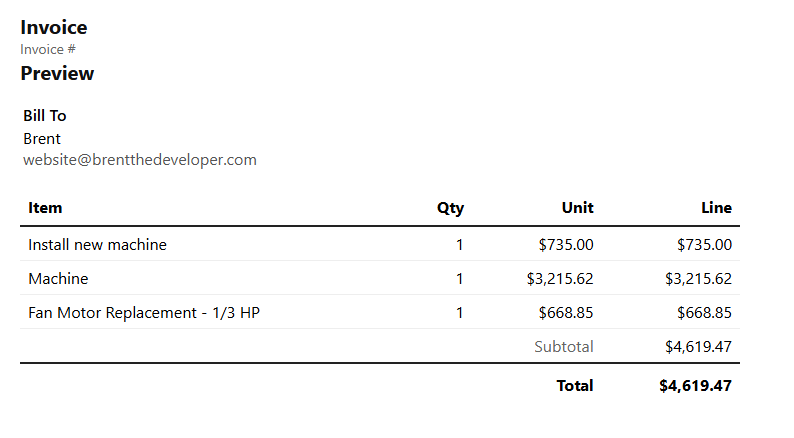
Invoice line items
Use service and custom job items with quantities, notes, prices, subtotals, and totals.
Invoice emails
Send invoices to customers and record the activity on the customer timeline.
Payment status
Mark invoices paid and see which completed jobs still need payment.
Workflow
From completed job to payment
1
Complete the job
Keep job details, pricing, notes, and photos attached to the work.
2
Create invoice
Use the job’s line items to build a branded invoice.
3
Send and collect
Email the invoice and give the customer a clean way to pay.
4
Mark paid
Track payment status and keep invoice activity connected to the customer.
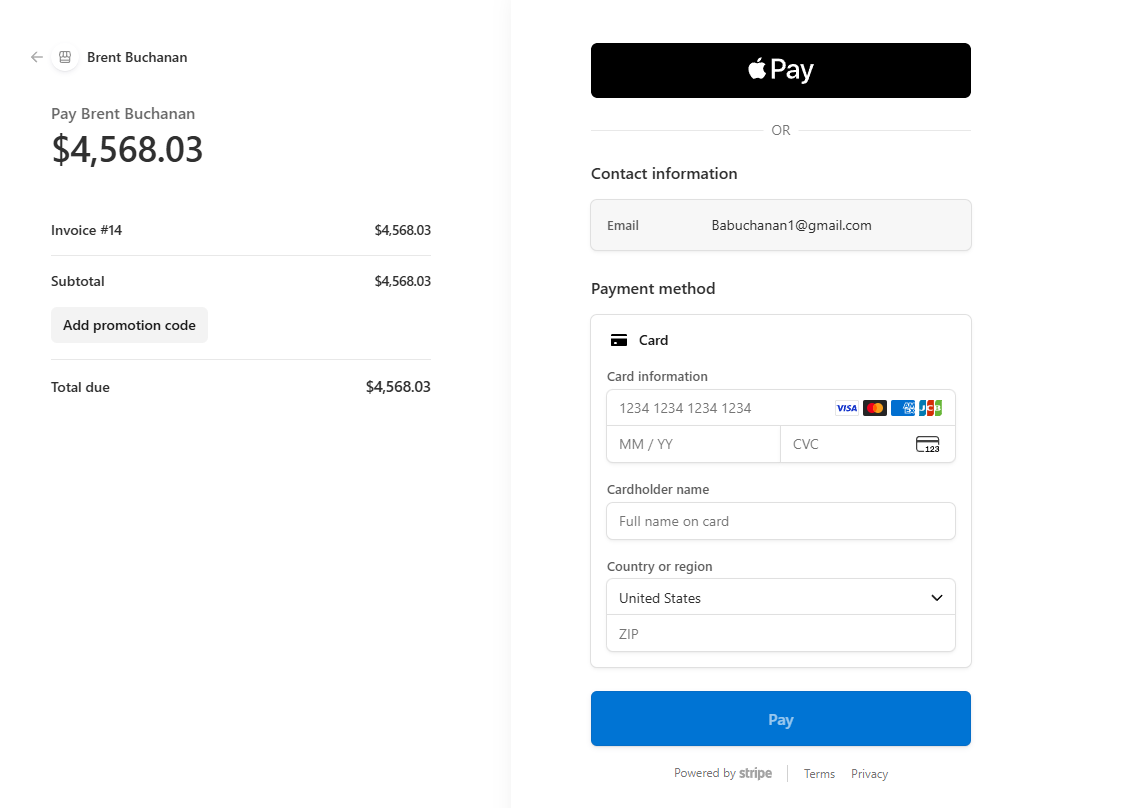
Payment page
Give customers a clear way to pay
The customer-facing payment view helps customers understand what they owe and complete the payment step without confusion.
Ready to invoice faster?
Get paid for completed work without losing the details.
Use DuroWork to create invoices from job details, send them to customers, and track payment status.
Start Now